By Jay Benjamin. I installed Lutron Caséta across my house myself starting in July 2016, hit the fifty-device ceiling, and then took most of it back out during a remodel. The part I’d keep is the cheapest part of the system, and I bought it last.
Disclosure: I bought every piece of this system with my own money. No review units, no affiliate relationship with Lutron, no free anything.
The Verdict, Upfront
Excellent for automating a handful of things. Skip it as a whole-house system; that’s where mine broke down.
Buy it if you want a handful of specific things automated — landscape lighting on a sunset schedule, a lamp that comes on when you are away, an outdoor plug you can hit from your phone. At that scale Caséta is excellent and I still use it.
Skip it if your plan is a whole large house. That is where I went, and that is where it broke down: a device ceiling I hit, a bridge range I exceeded, switch prices that add up fast, and a load limit that will make you check your bulbs before you close up a wall. I ended the experiment with ordinary switches almost everywhere.
Quick Facts
| System | Lutron Caséta, standard Smart Bridge (P-BDG-PKG1W) |
| Started | July 2016 |
| Bridge starter kit | $109 |
| Typical dimmer price | About $55 to $65 each in 2016 |
| Installed by | Me |
| Peak size | Roughly fifty devices |
| Still running | Outdoor landscape plugs and a few interior switches |
| Removed | Most of the interior system, during a later remodel |
What I Actually Liked
The setup was fun. That is not a small thing. Caséta is genuinely approachable: you pair a bridge, you swap switches, you build scenes in the app, and within a weekend you have lights that behave. I ran the whole thing from my phone. I built away-from-home schedules so the house looked lived in. For a couple of years I thought I had solved lighting.
The install itself is not hard. It is also not nothing. You are in the wall, on your own, with line voltage. I would not call it dangerous if you know what you are doing, and I would not call it safe if you do not.
The Fifty-Device Ceiling
When I built my system, the Caséta bridge capped out at fifty devices. I hit it. Most of the house was on the system. Not all of it.
That partial state is worse than either extreme. A smart lighting system that covers eighty percent of your rooms is not eighty percent as good — it is a house where you never know which switch behaves which way, and where guests are permanently confused. I wanted all or nothing. The cap decided which one I was going to get.
Lutron did eventually raise the limit to seventy-five devices, delivered as an app update in mid-2019. That would have solved my problem if it had arrived earlier, and it is worth knowing that the alternative Lutron pointed customers toward before then — RA2 Select — is not backward compatible with Caséta hardware. If you outgrow Caséta, you are not upgrading. You are replacing.
The Bridge Only Reaches So Far
The second limit is physical, and the published number is smaller than people expect: the hub reaches roughly thirty feet in each direction. In a large house the far corners fall off. You can add a repeater, but only one per system, and it counts against your device total — as do plug-in lamp dimmers used as range extenders.
I did try to solve this the obvious way. In early 2021 I bought two Caséta repeaters, and I returned them both a few weeks later. I no longer remember the precise reason, which is itself informative: whatever they fixed, they did not fix it enough for me to keep them.
So I still live with the problem. My garage lights are on a plug-in dimmer at the edge of range. Periodically they simply do not respond, and the fix is to cycle the dimmer off and on a few times until it re-establishes the link. Sometimes that does not work either. It is a small thing that happens often enough to be the thing I remember.
Check Your Load Before You Close the Wall
This is the part nobody tells you in the marketing, and it is the most useful thing in this review.
Dimmers have a maximum load. I had a run of old incandescent string lights that drew more than the switch was rated for. The result was a switch that ran warm inside the wall. Warm is a word you do not want associated with anything behind drywall. A large run of LEDs can cause its own compatibility problems too.
My own receipts show me buying my way around this in real time. Alongside the standard dimmers there are heavier-duty models rated for a thousand watts of incandescent load, which is not a thing you order unless something has already refused to work properly. So before you buy: check the rating on the dimmer, add up what the fixture actually draws, and confirm the bulbs are compatible with that specific switch. Not for performance. For safety.
Why I Took It Out
When I remodeled, the natural move was to upgrade to Lutron’s RA line, which does not have the same ceiling. I priced it and said no. It was expensive, and by then I had stopped believing the payoff was real. After several years of ownership, the honest accounting was that I had spent a lot of money and a lot of weekends to save myself the effort of walking to a switch.
So we put ordinary switches in throughout the remodel, and I pulled most of the Caséta out. Everything got simpler immediately. Three-way switches were the clearest example: with standard wiring they just work, with no remotes to place, lose, or explain to anyone.
What I’d Keep
The outdoor plugs — and here is a detail I had misremembered until I checked my own orders. I did not carry these through from the original system. I nearly bought one in late 2022 and canceled the order. I did not actually buy a pair until 2025, at $85 each.
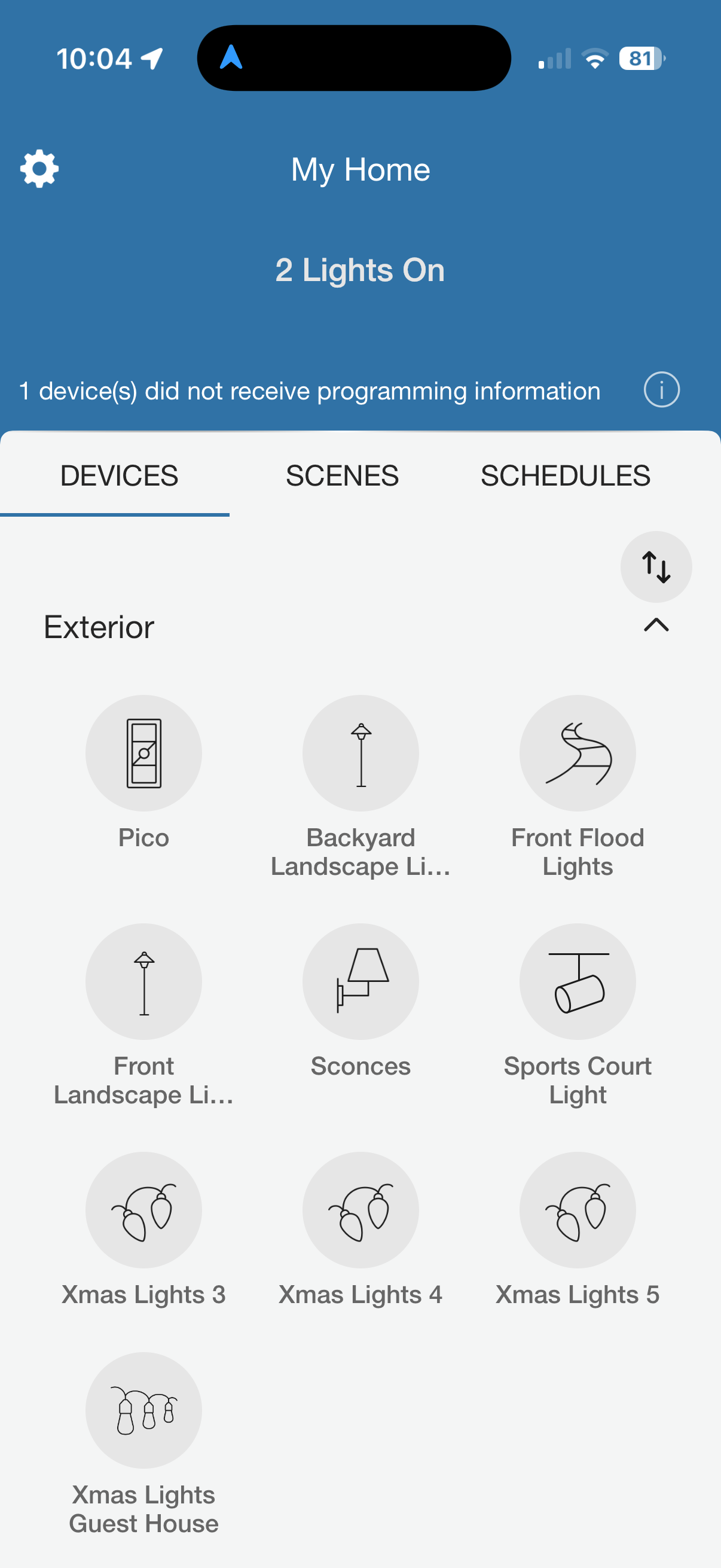
So the part of Lutron I now recommend without reservation is the part I bought last, years after giving up on the ambitious version. I run my landscape lighting on them. The schedules key to sunrise and sunset, so they drift with the season automatically and I never touch them. And when I am coming home late, after the landscape lights have already shut off, I can turn them back on from the car. That is the whole feature set, and it is worth it.
Notably, this is also the cheapest tier of the product. No wiring, no wall, no electrician-adjacent risk. Plug it in and schedule it. Two of them cost me under two hundred dollars, against several thousand for the version that is now mostly in a box.
What It Actually Cost
My documented orders are a floor rather than a full accounting — plenty of switches and plugs came off the shelf at the home improvement store and left no receipt.
The switches are the whole cost. The bridge starter kit was $109. Everything else is dimmers and switches at roughly $55 to $65 apiece, ordered four and five at a time, plus heavier-duty models at closer to $100. That is the arithmetic that gets you into the thousands without ever making a single decision that feels expensive. It is also why the in-store purchases are so easy to lose track of: nothing about picking up two more switches on a Saturday registers as spending money.
What none of it includes is the cost of undoing it: a contractor putting ordinary switches back in during the remodel, folded into a much larger construction bill I cannot cleanly separate. Nor my own weekends, of which there were many.
What’s Changed Since I Installed It
The device ceiling moved. Lutron raised the Caséta limit from fifty devices to seventy-five in mid-2019, pushed out as an app update. If you are planning a large install today, that is a materially different product from the one I bought, and it removes the specific wall I ran into.
The outdoor smart plug also did not exist when I started, and it is now the part of the system I would recommend first. That is a real improvement to the lineup, even if it is an unglamorous one.
Lutron is one of several expensive home systems I’ve written up; here is the short version of what I use and what I don’t.
Frequently Asked Questions
What does a whole-house Lutron Caséta system cost?
About $2,750 to $3,250 for fifty standard dimmers at 2016 prices of roughly $55 to $65 each, before any higher-load models at closer to $100 apiece. The bridge is cheap — $109 for the starter kit — and the switches are what actually cost money. Budget by counting the circuits you want to control, not by the price of the hub.
How many devices can a Lutron Caséta bridge handle?
Seventy-five, raised from fifty in an app update in mid-2019. I built my system under the old limit and hit it with most but not all of a large house covered. Note that repeaters and plug-in lamp dimmers used as range extenders count against that total, so your usable number of light switches is lower than the headline figure.
Can you install Lutron Caséta yourself?
Yes, and I installed every device in my house myself. It is straightforward work, but it is line-voltage work, and the load rating on each dimmer matters. If you are not confident identifying a neutral wire or calculating what a fixture draws, hire it out.
Do Caséta repeaters fix range problems?
Partially, and in my case not enough. I bought two and returned them within weeks. The hub reaches about thirty feet in each direction, you are allowed one repeater per system, and it consumes a device slot. If your problem is one stubborn fixture at the edge of the house, a repeater is worth trying. If your problem is that the house is simply too big, it will not save you.
Is Caséta worth it, or should you get RA?
I looked at RA during my remodel and declined it on price. If you want a few automated things, Caséta is the right answer and RA is overkill. If you want a genuinely whole-house system in a large house, price RA honestly at the start — because RA2 Select is not backward compatible with Caséta, so discovering the problem at device seventy-six means buying your switches twice.
The Short Version
I spent several thousand dollars automating a house, and the part I would keep costs $170. The whole-house ambition was the mistake, not the product. If I were starting over I would buy the outdoor plugs, schedule them to sunset, and never open a single wall.
For the other system in this house I bought enthusiastically and then paid to tear out, see my Sonos review. For another expensive device that lives or dies on maintenance nobody tells you about, see the Eight Sleep review.